Defcon 2015

2 minutes, 33 seconds

Another year, another Defcon!  This was my third year attending.  The biggest change this year was that the conference changed locations moving from the Rio to Paris/Ballys.  Given I’m some what of a lookie loo I can’t say with super authority, but I thought the space worked as well as the prior location, leave the fact that the sky talks were on a separate floor and might have gotten less traffic.  Given that in prior years they had an hours long wait, it may have been a good thing.

Since I live in Vegas, I didn’t have any concerns getting my pick there, like I did with Hope. Otherwise, this years highlights were:

  • Seeing Cory Doctorow speak on general purpose computers.  Nothing really new here if you follow him (author ID 1!), but it was fun to see it all wrapped up nice and dense and delivered with passion.
  • Bruce Schneier is just awesome.  His talk was actually just 45 minutes straight of Q&A, but with a super nerdy crowd, it did not disappoint. Like Doctorow there was nothing new, but I found Schneier more pleasing and inspiring to see than Doctorow.
  • Holy crap Marc Rogers and Kevin Mahaffey, the Tesla hack guys, are awesome!  They literally tore into a new Tesla and gained remote root.  An amazing talk that was just high level enough to keep you following along but way deep enough to blow you away with how hard they had to work to achieve the hack.
  • Samy Kamkar‘s talk on hacking garage doors and car fobs was tons of fun.  I’d seen a video on the garage door opener before, but the fob attack was new; both were great to see revealed real time.
  • The EFF presented on their Lets Encrypt certificate authority which will feature automated cert creation and installation.  The demo was inspiring to see.  The thought of TLS for everyone and their mother is totally great.
  • I heckled Alejandro Mayorkas trying to force him to agree that crypto back doors are a Bad Thing.  Unsurprisingly, he didn’t take the bait. I was bummed that his security entourage was too strong to let me shake his hand and thank him for speaking at Defcon.

Though I didn’t make it very far through the matasano crypto challenges, it is amazing to see how relevant the lessons learned in those challenges are. Hex, Base64 and XOR…every talk I attended had one of these concepts as a critical part of their hack.

Here’s a list of talks I attended:

How to test PHPs memory_limit setting

0 minutes, 42 seconds

So, we all know that in PHP, you configure it with a php.ini file. And in there, you can set the amount of RAM a script can use with the memory_limitsetting (remember this is “M” not “MB”!).  And if you get this error:

PHP Fatal error:  Allowed memory size of 134217728 bytes exhausted (tried to allocate 234881025 bytes)

Then you can increase the memory_limit to be larger (don’t forget to restart apache!). However, what if you want a script to hit that limit to see how your error logs and such are set up?  I had more fun than I thought I would writing a textbook solution to a textbook problem.  Here it is in it’s 4 line glory:

$str = 'memory!';
$i = 1;
while ($i++ != 100) $str .= $str  ;
print "done!";

When you run this you should see an error as this will exceed 128M of memory. If not, so salt to taste ($i++ != 200) if you run with a higher memory_limit setting!

On really nice standing desks with really nice computers

3 minutes, 53 seconds

A good friend of mine is setting up a new workstation in his new lab and wanted some advice on what would be the best setup. Being a bit of a geek about monitors and having set up my own desk, I had a lot of ideas on this. After a detail-packed email to him, I realized it’d make a great post for others looking to do the same thing.

The overall question I got: What would be the best standing desk with the best monitors for a new Mac Pro (nMP)?

This is fun!  I get to spend imaginary money for a dream set up.  For my “what’s the best” type of questions, I always try to refer to  The Wirecutter, they’re great. As well, I try to use Amazon whenever possible for all of my shopping needs

The Desk

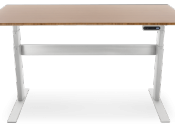
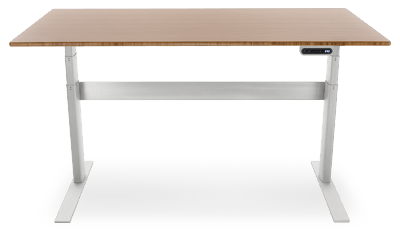
Though Wirecutter has a newer, cheaper recommendation, I still like their step up, the NextDesk Terra, which was their “regular” recommendation when I got mine. I see it’s now down to $1,500.terra

NextDesk upgrades: You can get a ton more bells and whistles including CPU stands, software integration, casters, batteries (for use when moving on casters) and more. The bare minimum I would get is the “Power Management,” which is really well done. Also – think on whether you want the hole(s) for cables in the desk. I regretted getting a single center one. I might have gone with none or two side ones.

Monitors and Stands

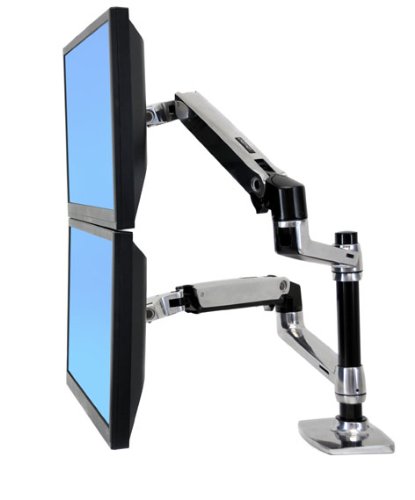
standsI use Ergotron’s single and dual arm mounts. Amazon pictures the dual with two monitors on top of each other, but it can easily do two side by side (as well, they rotate for one portrait and one landscape). You can also order the single and then add a second arm to the same pole at a later date if you decide to add another monitor.

IPS 60hz 4k displays used to be $3,000+.  This is no longer the case! The Dell P2715Q 4k 27″ is down to $500! This is insane. You could get two of these no prob for your Mac Pro. IPS means that the viewing angles are perfect.  60hz means that the refresh rate is super fast and your mouse/window movements don’t feel sluggish.  dell4k means that you can either run HiDPI for super crisp text or 1:1 for TONS of real estate. Well, assuming you have good eyes for the 1:1 ;)

Though 4k is ready for prime time, there are a few bumps in the road, specifically around displaying the boot process. As well, I see Apple’s nMP page boldly advertises “connect up to three high-resolution 4K displays.” However, I’ve also seen reports that the 3rd will be only at 30hz (boo!).

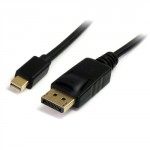
I forget which cables Dell comes with, but you can always get a 3, 6, or 9 foot (or more!); it’s nice to have the perfect length cable with no extra slack. cableSame for ethernet, USB, firewire and thunderbolt cables too! For example, here’s a 6ft mini display -> display port cable for just $7. Oh yes – don’t use any ugly looking dongles!  Get the right cable for the job.

Mac Pro and peripherals

I don’t actually have a new Mac Pro (aka nMP aka 2013 Mac Pro), so I don’t have too much to say about which CPU and GPU to get.  However, I did just get a 5k iMac that works great with the Dell         4k display! (Well, as long as you don’t mind some UI degradation. Ok, not so great, but worth the trade off for me.). To save money on the most expensive item in this monster desk setup, I strongly recommend using refurb.me – they’re the best way to effortlessly get good deals on Apple refurbed products! These are direct from Apple and include an Apple warranty.

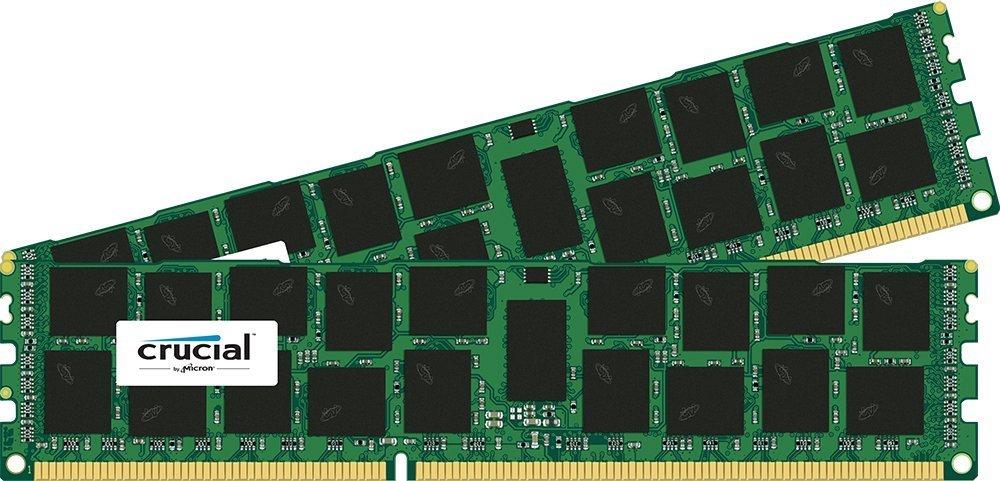
mac.proOne new Mac purchasing trick I did learn is about buying your new Mac with more RAM direct from Apple.  Don’t do it! For example, 64GB of aftermarket RAM only costs $664 instead of Apple’s $1,300. ramConsider putting the saved money toward more cores or disk or graphics card! I love Crucial for cheap aftermarket RAM, but I usually end up buying their stuff on Amazon. Here, B00GEC3ZJQ on Amazon is cheaper than the exact same part (CT5019226) on the Crucial site. Order two kits to max out your nMP to 64GB.

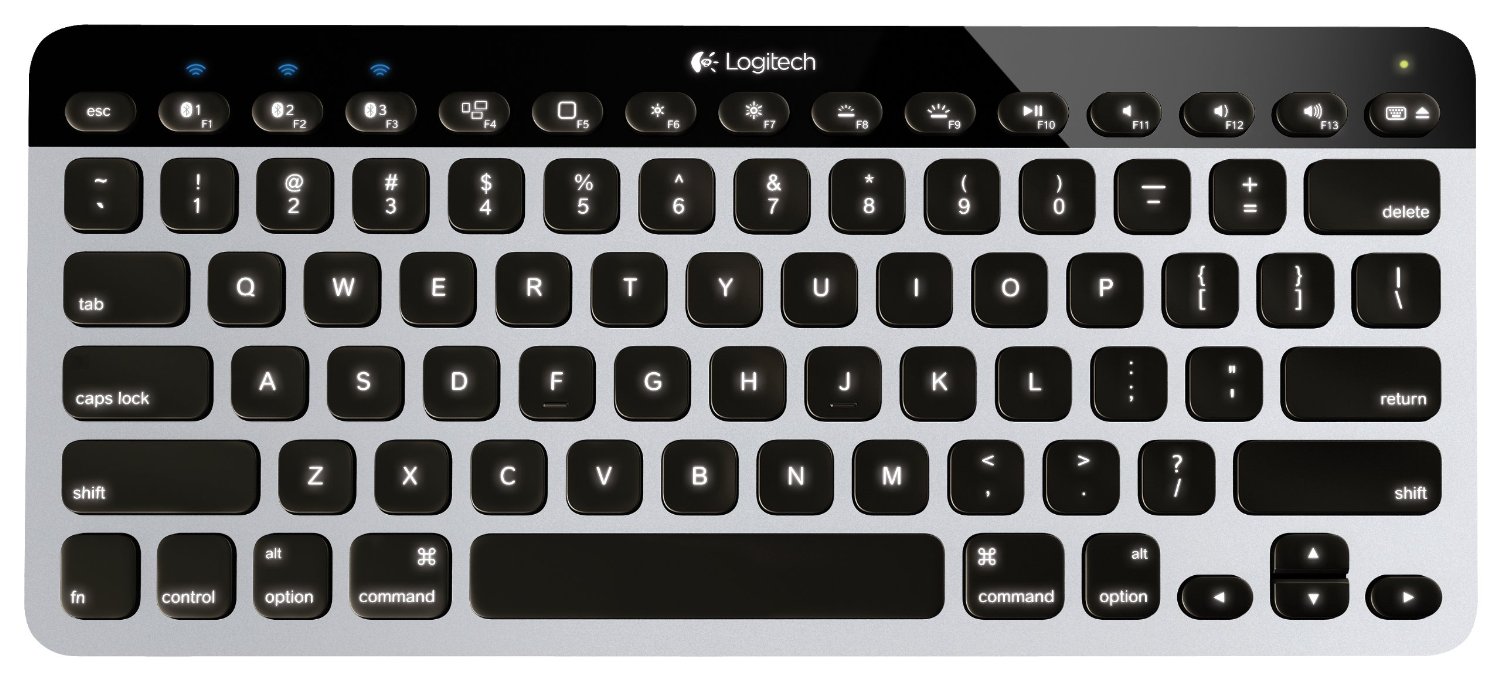
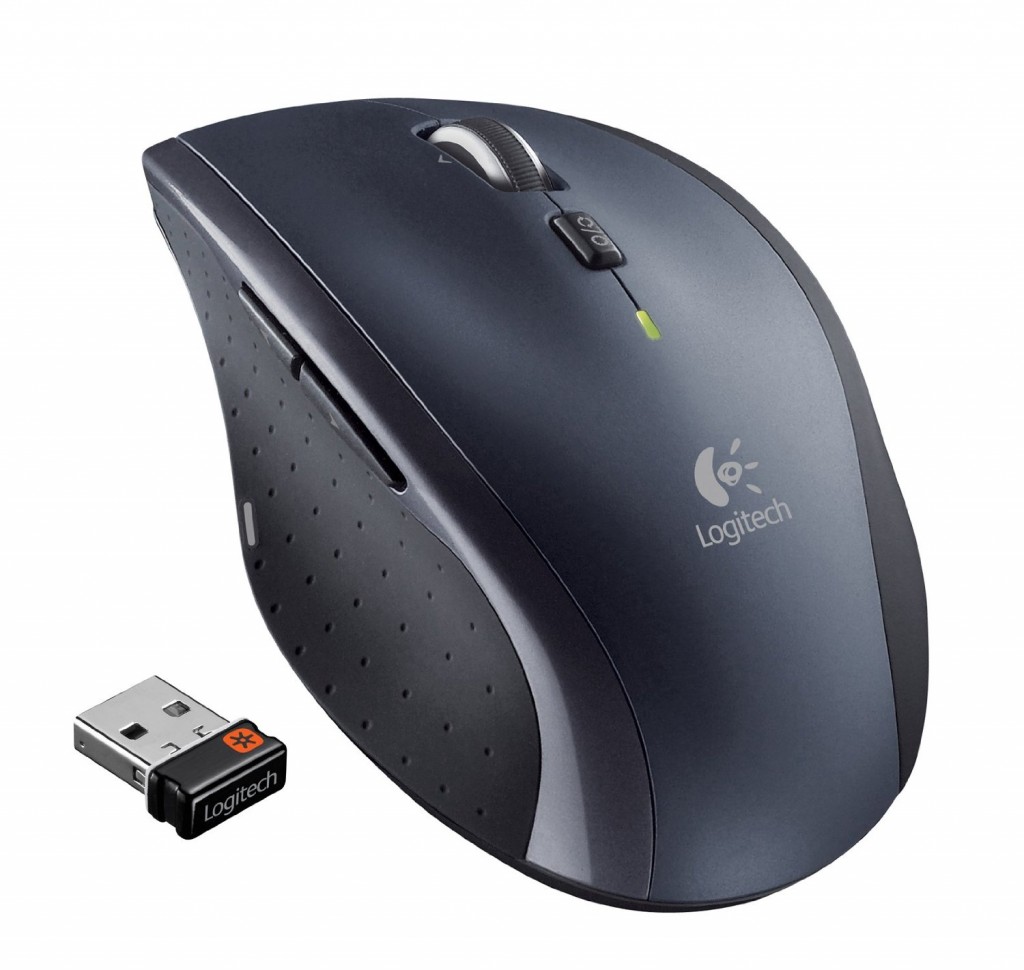
Keyboard and keyboard mouse – I love Wirecutter’s recommendations for wireless versions of both mice and keyboards. They really add to the clean lines of VESA stands on the awesome desk.mouse

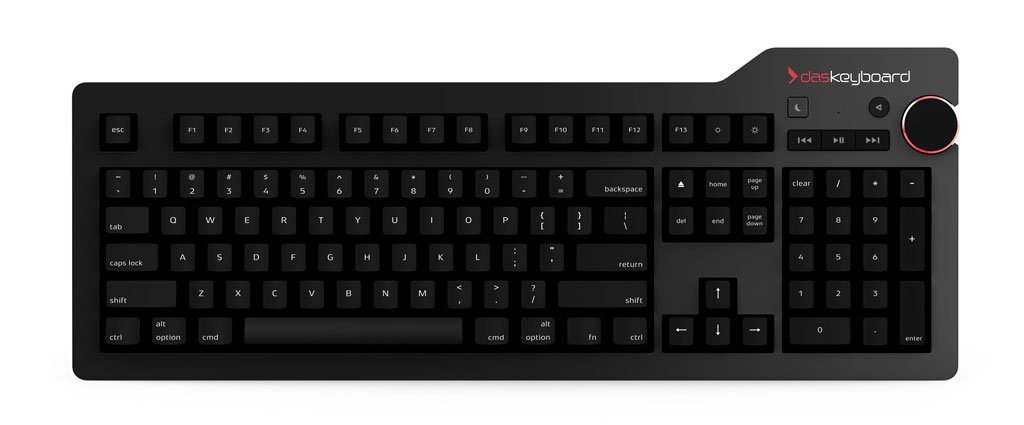
Despite loving the wireless mouse and keyboard, my new boss got me a “welcome to your new job!” gift of a fancy Das Keyboard 4 Pro which I NEVER would have bought on my own given it’s price. If I had office mates, they NEVER would want me to use it because it’s too loud. That said, I actually love this keyboard so much that I alternate it with Wirecutter’s bluetooth pick, but the cable does ruin the lines of your desk. ;) Oh – I see it comes in “soft tactile” model as well. This might be a more quiet option!

das.keyboardI love following this topic so drop me a note if you have any questions or want to update me with your experiences in this area!

MultiPressDev 2.1 Released

0 minutes, 37 seconds

I’m sure you’re all waiting with bated breath for the next release of MPD. Rest easy my friends. Issue #2 on MultiPressDev has just been closed. All versions of WordPress now load with the minor exception of v3.3.3.  But we all know that 3.3.3 is half of 6.6.6, so it’s probably the devil at work there.  Or you know, this:

[Sun May 17 06:19:22.061928 2015] [:error] [pid 10493] [client 10.0.2.2:54475] PHP Fatal error:  Access to undeclared static property: WP_Screen::$this in /vagrant/wordpress/3_3_3/wp-admin/includes/screen.php on line 706, referer: http://localhost:8080/3_3_3/wp-login.php

That minor bug aside, I feel like this is the first really usable version of the app.  I’m excited!

Future releases should include:

  • Admin GUI to reset DB and core install of any one version
  • Purty list of all versions with deep links to admin GUI
  • Support for Themes

Stay tuned!

Named anchor navigation using JavaScript

1 minute, 31 seconds

Recently I wanted to implement simple way to load a number of gallery images on an a static HTML page.  JavaScript was my go to, specifically jQuery.  I started by including jQuery on my page:

<script src="//code.jquery.com/jquery-1.11.2.min.js"></script>

After noodling on which way to build this, I decided to use the anchor name (“#”) in the URL.  We register a jQuery listener like this:

$( document ).ready(function() {
    $(window).on('hashchange', function() {
        changePhoto();
    });
});

What this code does, is on page load (“ready()”), we listen to changes to the “hashchange”.  When we hear a change to the anchor name, run the “changePhoto()” function.

I then have a single img HTML tag which we’ll update:

<img  id="changable" src="Image1.jpg"  />

And some links which control which image the user can see:

<a href="#" class="go-photo" photo="1">Photo 1</a> - 
<a href="#" class="go-photo" photo="2">Photo 2</a> - 
<a href="#" class="go-photo" photo="3">Photo 3</a>

To handle these clicks, we just have a function which looks for the “go-photo”:

$('.go-photo').click(function(e) {
        e.preventDefault();
        window.location.hash = $(this).attr('photo');
 });

This simply intercepts the default action of clicking a link and instead updates the anchor based of the ID of the “photo” element in the link.  Any time the hash is updated in the URL, our listener will fire our own “changePhoto()” function.

Finally, we have our changePhoto function which handles changing the image source upon a hash change in the URL:

function changePhoto( base){
    photoid = window.location.hash.replace("#", "");
    $('#changable').attr('src', 'Image' + photoid + '.jpg');
    return true;
}

And, bam, you have a tidy, JS based photo navigator. My main goal of having both a JS call to change the anchor and the browser back button  trigger a call to changePhoto() as achieved. To add a new photo to your page, just upload a new Image4.jpg image and add a new link with the right “photo=4” value and you’re good to go!

I ran a 1/2 marathon

1 minute, 3 seconds

I think all 3.2 readers of my blog already know it, but I ran a 1/2 marathon at the beginning of this month! I ran the 2015 Red Rock Canyon 1/2 marathon.

There are three amazing things (for me) about this:

  1. I completed it. This was my only goal, w00t!
  2. I overcame the profound doubt I’d ever be able to run longer than my longest training run (12mi).
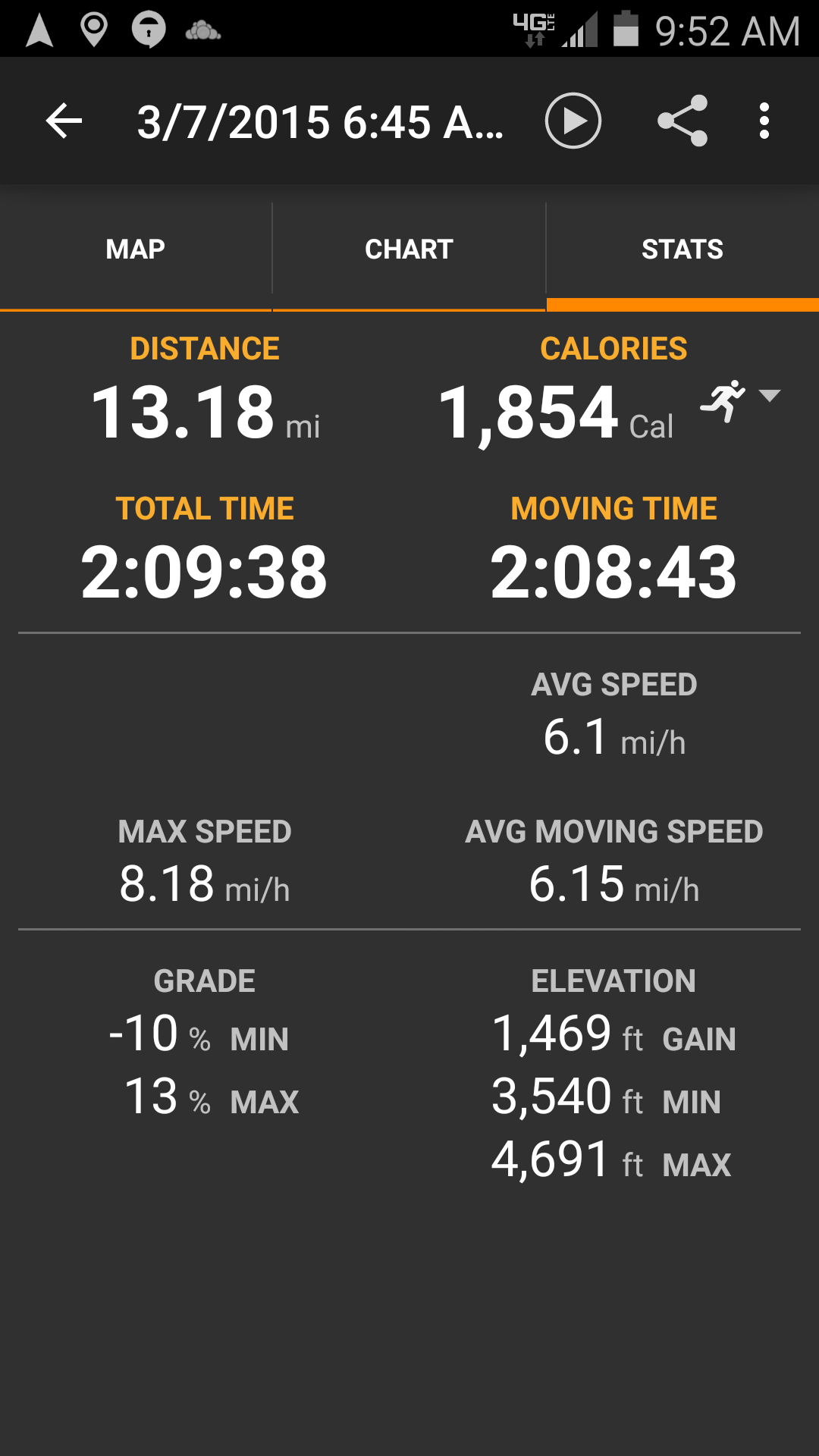
  3. Out of all my runs in my 10 weeks of training, my race was my fastest run of all (6.15mi/hr).

Though I thought #3 meant I raced fast, but it could have meant I trained especially slow ;) Here’s the data my phone spat out when I was done:

Screenshot_2015-03-07-09-52-14 Screenshot_2015-03-07-09-52-26As I was starting to train 10 weeks before the 1/2 marathon, I looked for, and found, a training regimen that was 10 weeks long.  In case it’s of use, I used Marathon Rookie’s 1/2 marathon plan. I strongly suspect that the reason I did so well in the actual race is that every run I tried to have the first half be all up hill and the second half be all down.  Red Rock’s profile is  ~6 miles up for ~1000ft of climbing.  The rest of the course is down hill and a few rollers until the end.

I’ve only run once since then, so who knows if I’ll run another 1/2.  I don’t ever feel I’ll run a full marathon; that’s too many miles.

Ken Osborn – a great bay area photographer

0 minutes, 37 seconds

Recently I was looking for a print of old train station in Oakland, CA at 16th street. I stumbled upon this great picture on flickr:

16th st station

I contacted the photographer, Ken Osborn, and asked if he sold prints of this great shot.  He told me that not only did he sell his photographs, but that he preferred to send a digital copy and let me decide on how I’d like to print it.  The icing on the cake was that he let me set the price I’d like to pay after I received the digital copy.   Wowza!  Ken was extremely easy to work with and very progressive when it comes to copyright and selling his prints.  I highly recommend you drop him a line if you like any of his shots!