0 minutes, 47 seconds
tl;dr
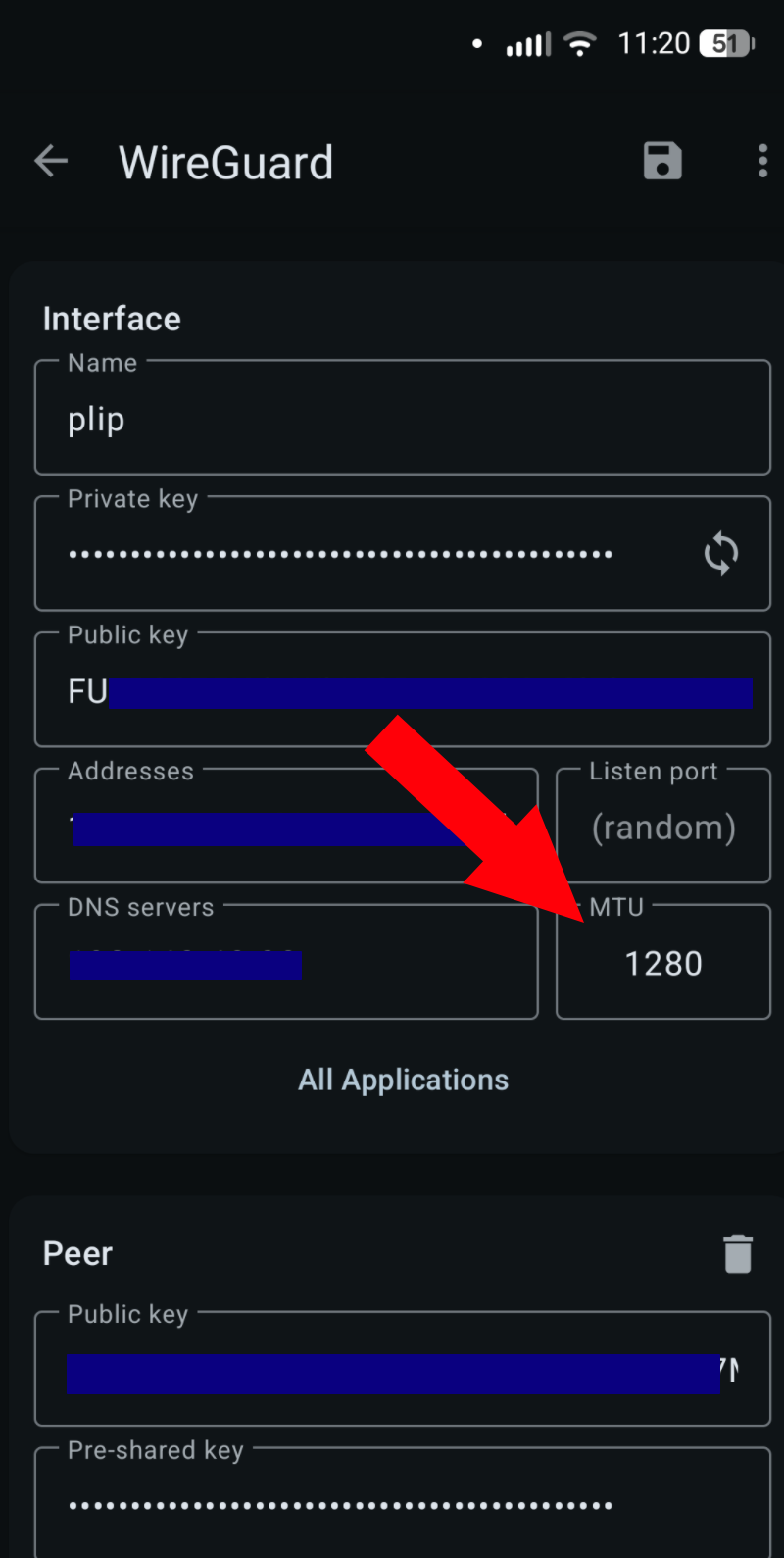
Change your MTU from 1420 to 1280 if your Android device is having issues connecting to your Wireguard VPN over cellular data. This MTU value should work on both WiFi and cellular data.
Slowly discovering the solution
For some time now I’ve been baffled why my Wireguard VPN doesn’t work on my phone. I was a looser and not actively troubleshooting it, so instead I spent months slowly unraveling what is going on with these discoveries:
- I found my phone VPN didn’t work – odd – that’s frustrating
- A few weeks later, I realized that my laptop worked fine. OK, so it’s endemic to the phone – noted
- A few weeks after that I had a big breakthrough – my VPN on my phone worked on WiFi but did not work on cellular data. So odd!
- Finally, one morning over a tasty coffee, I started DDGing for something like
wireguard not working on mobile data, works on wifi - I found a Reddit post (not this one, but like this one) that said changing the MTU can fix this issue
Problem solved!